Mosaic
Enhancing Productivity by Reimagining the Hybrid Office Experience
Lenovo Internship Project
Timeline
May - August 2025
Team
Elizabeth Novelli, Owen Hudock, Steven Vasil, LXG Mentors

Project at a Glance
The Challenge
Hybrid employees often move between meetings, devices, and shared spaces that do not communicate with one another, creating unnecessary friction throughout their workday.
The Solution
Mosaic is a smart office ecosystem that connects an AI Assistant, SmartBadge, Room Concierge, and Ecosystem Hub to create a more seamless workplace experience.
My Role
I contributed to research synthesis, concept development, user flows, wireframing, prototyping, and final storytelling for the product vision.
Exploration & Discovery
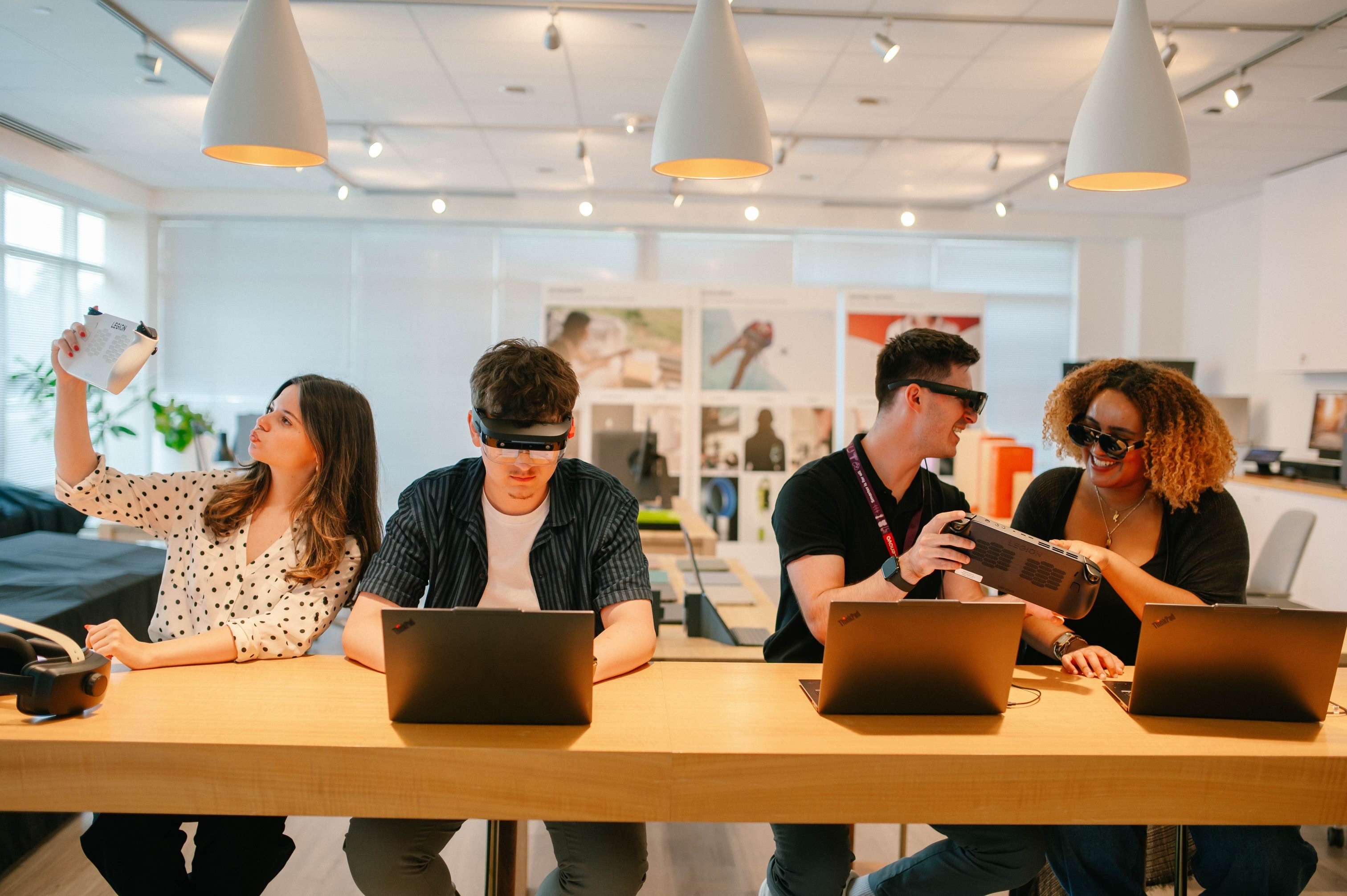
Before jumping into solutions, we explored the realities of hybrid work: how employees move between spaces, devices, meetings, and digital tools throughout the day. Our goal was to understand where friction happens and where a connected Lenovo ecosystem could create a more seamless experience.
Internal Research Review
Studied Lenovo’s existing ecosystem direction to understand where Mosaic could realistically fit.
Competitive Exploration
Mapped emerging patterns in smart offices, AI productivity, wearables, and spatial computing.
Technology Demos
Explored how people might move between physical spaces, digital tools, and connected devices.
Dscout Survey
Used participant feedback to validate which early ideas felt useful, clear, or overwhelming.
Synthesis Workshops
Turned broad research into clearer themes, opportunity areas, and product directions.
What We Learned
1
Hybrid work friction happens between systems.
Employees are not only struggling with one app, room, or device. The bigger issue is that their tools often do not communicate with each other.
2
Personalization is valuable when it feels controlled.
Users were interested in automation, but only when they understood what was happening and could adjust or override it.
3
The office experience is both physical and digital.
A meaningful solution needed to consider software, hardware, shared rooms, user identity, and workplace infrastructure together.
The opportunity was to design a system that connects the fragmented moments of hybrid work, rather than solving each workplace pain point separately.
Meet Sarah!
To ground our concept in a realistic workplace scenario, we created Sarah, a hybrid employee who moves between meetings, shared rooms, and personal devices throughout the day.

Name: Sarah Wallace
Role: Hybrid Team Lead
Work Style: Splits time between focused work, team meetings, and cross-functional collaboration
Goal: Move through her workday with less setup friction and more confidence that her tools and spaces are ready
Frustration: Her office experience feels fragmented because rooms, devices, meetings, and preferences rarely work together.
From Pain Points to Design Direction
Sarah helped us translate our research findings into a more focused design direction. Her workday revealed that the opportunity was not just to make meetings easier, but to create continuity across the moments before, during, and after collaboration.
Pain Point
Design Decision
Context is scattered
Sarah has to check her calendar, room details, meeting tools, and device setup across separate systems.
Create one place where users can understand what is happening next and what needs attention.
Setup is too manual
Before meetings, Sarah spends time connecting devices, adjusting settings, and preparing the room.
Use automation to reduce repetitive setup while keeping users aware and in control.
Spaces do not feel connected
The office does not recognize Sarah's preferences, presence, or meeting context as she moves between rooms.
Connect physical spaces, digital tools, and user identity into one continuous workplace experience.
From Concept to Interface
After defining the design direction, we explored how a connected workplace system could become clear, usable, and understandable on screen. Our wireframes helped us move from a broad ecosystem idea into more structured user flows, interface layouts, and interaction patterns.

Mosaic is a connected smart office ecosystem that brings devices, meeting spaces, and user preferences into one cohesive experience. Built around proximity automation, AI assistance, and device collaboration, Mosaic helps the workplace respond to users instead of making users manually coordinate every step..

AI Assistance
The AI Assistant helps users complete tasks contextually, without needing to remember where everything lives.
Proximity Automation
Mosaic uses presence awareness to help devices and spaces respond as users move through the office.
Device Collaboration
Mosaic connects personal devices, room devices, and shared tools into one coordinated workflow.
Final Design
The final Mosaic framework includes three main product offerings: the Ecosystem Hub, SmartBadge, and Room Concierge. Each one supports a different layer of the smart office experience while working together as part of one connected system.
1
Ecosystem Hub
What It Is
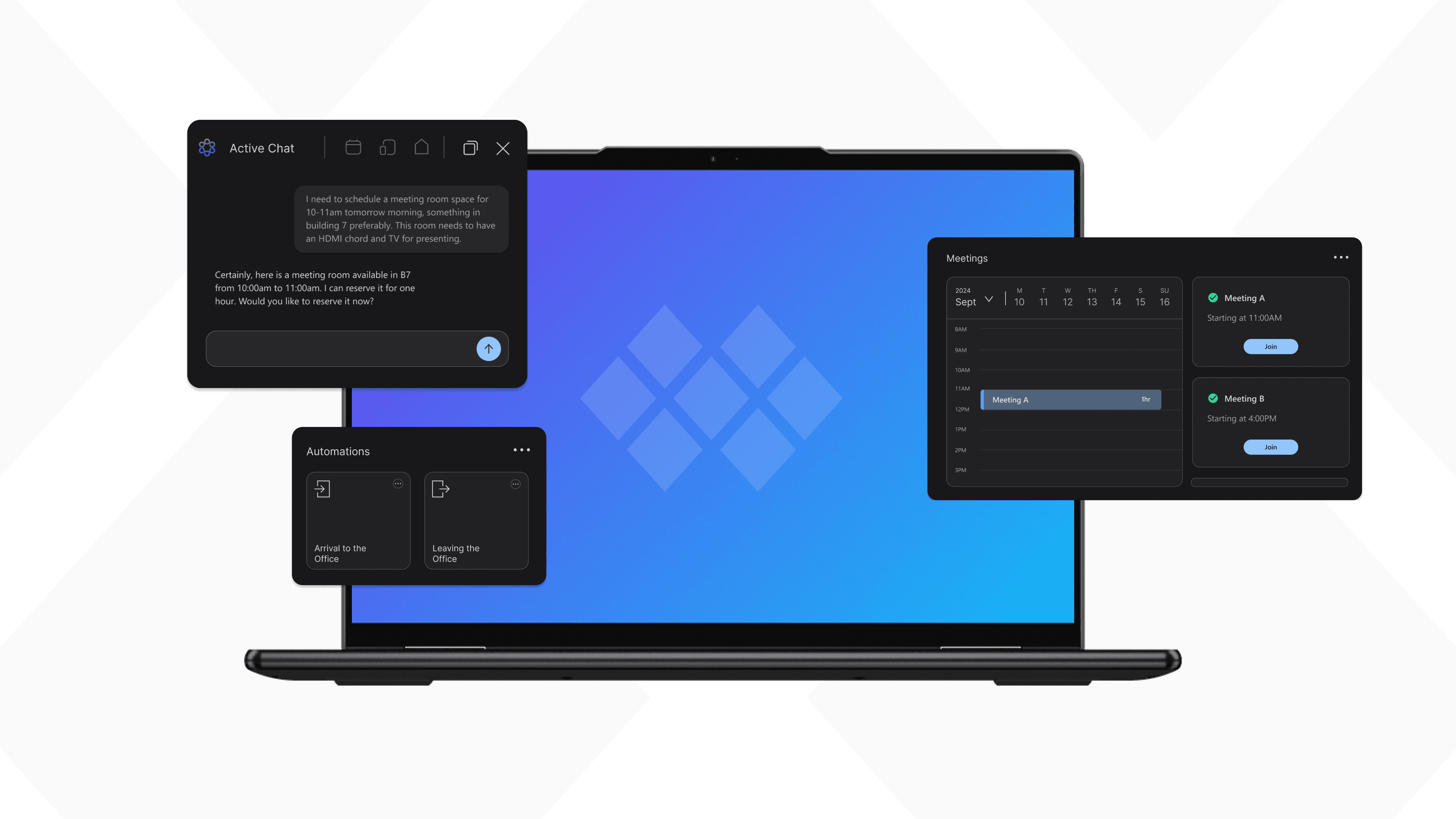
The Ecosystem Hub is the bridge to the entire Mosaic ecosystem. It helps users manage meetings, devices, automations, and collaboration from one central interface.
Key Design Decision
We designed the Hub around a bento-style widget interface so users could quickly scan their calendar, connected devices, and personalized automations without relying on one rigid navigation path.

Meeting Canvas
The Meeting Canvas, which lives in the Hub, supports live collaboration during meetings, allowing attendees to interact with device settings, files, notes, and shared meeting tools.

2
SmartBadge
What It Is
The SmartBadge acts as the user’s digital presence in the office environment, allowing spaces and devices to recognize the user’s presence and preferences.
Key Design Decision
We designed the badge with an e-ink display, low-power considerations, and multimodal feedback through sound, haptics, and light to support accessibility and fallback redundancy.

3
Room Concierge
What It Is
The Room Concierge is a tablet-sized digital display placed outside meeting spaces or private rooms. It shows room information, reservation schedules, availability, and quick booking options.
Key Design Decision
We designed Room Concierge to make meeting spaces easier to understand at a glance, using room status widgets, color semantics, dynamic notifications, and presence-based information.

Remember Sarah?
Let's see how her workplace experience changes with Mosaic.
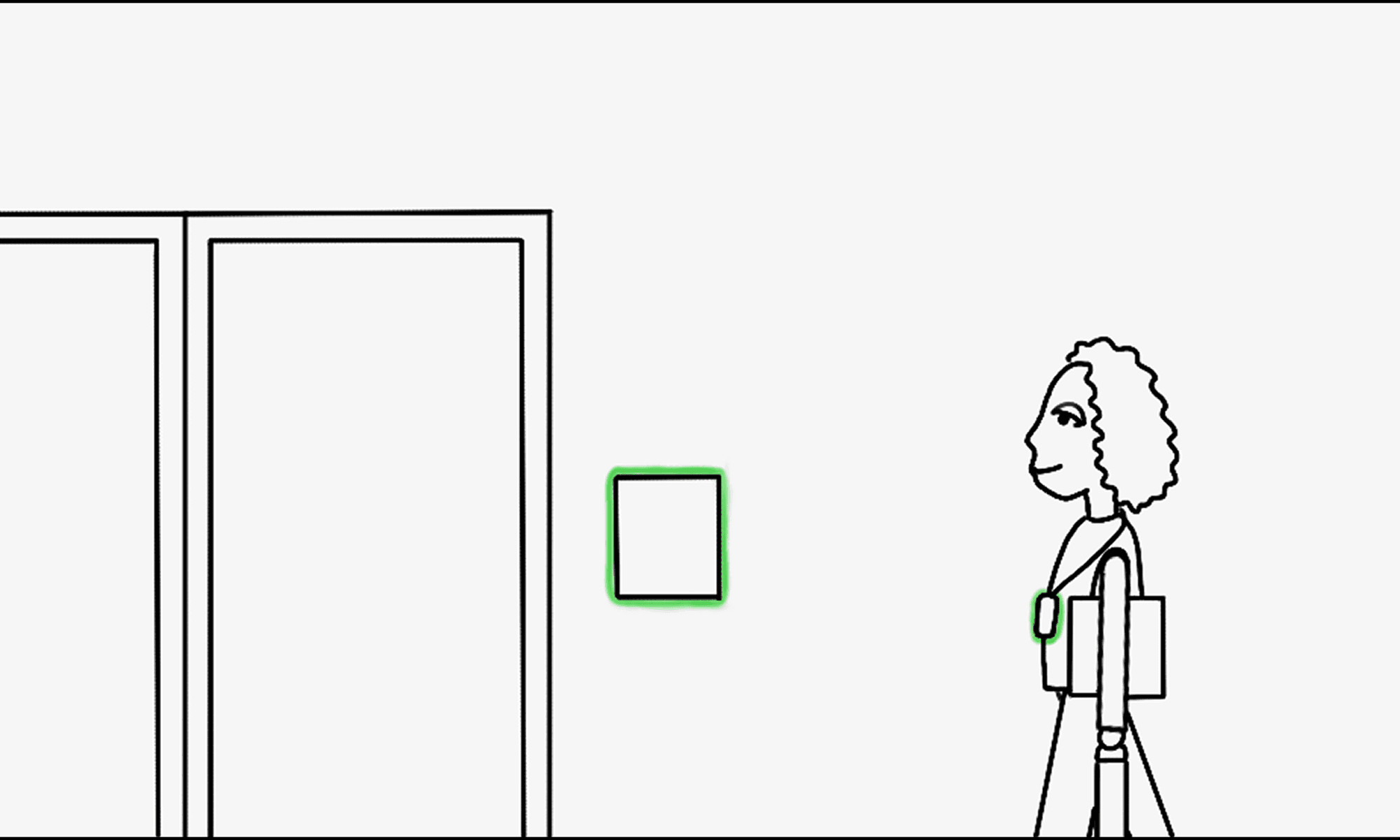
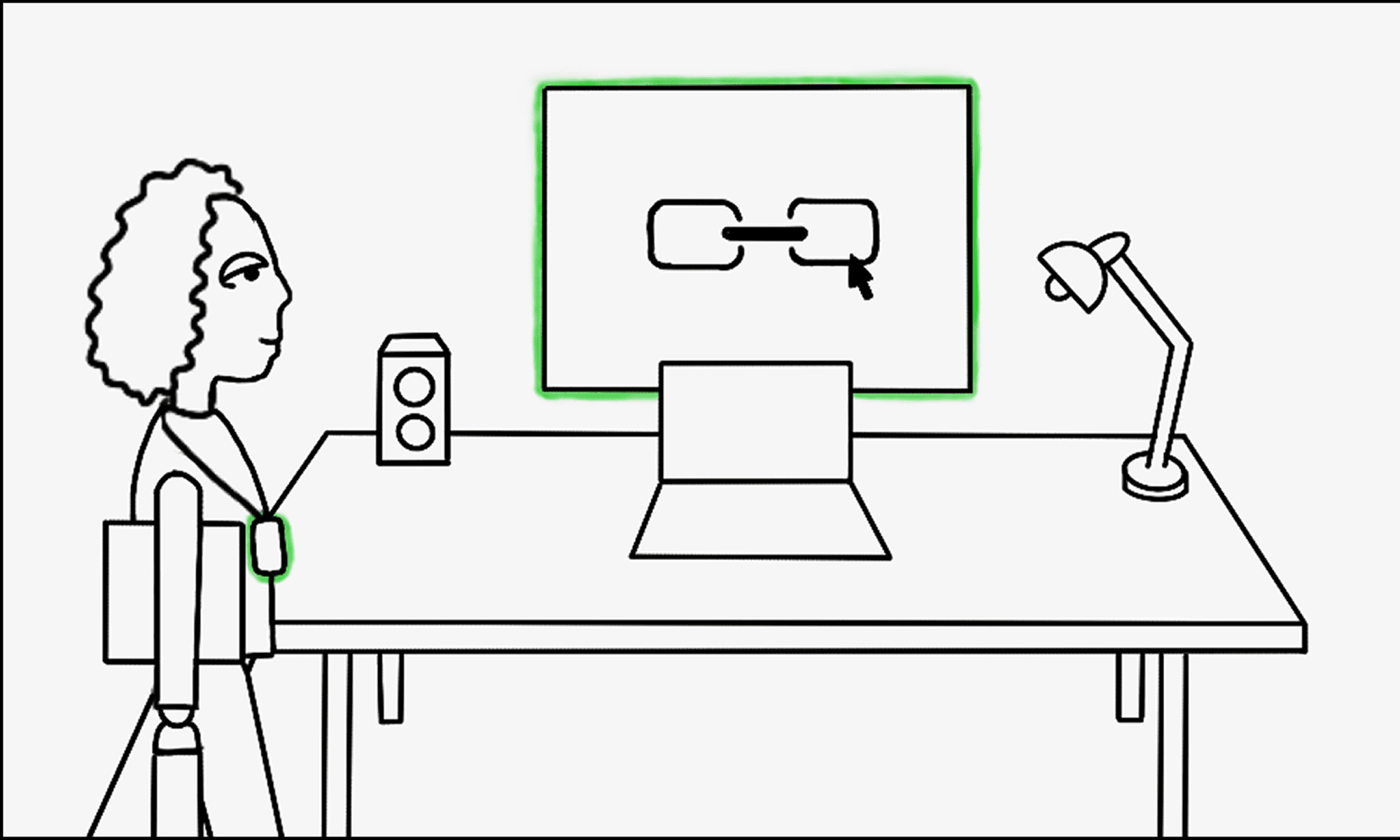
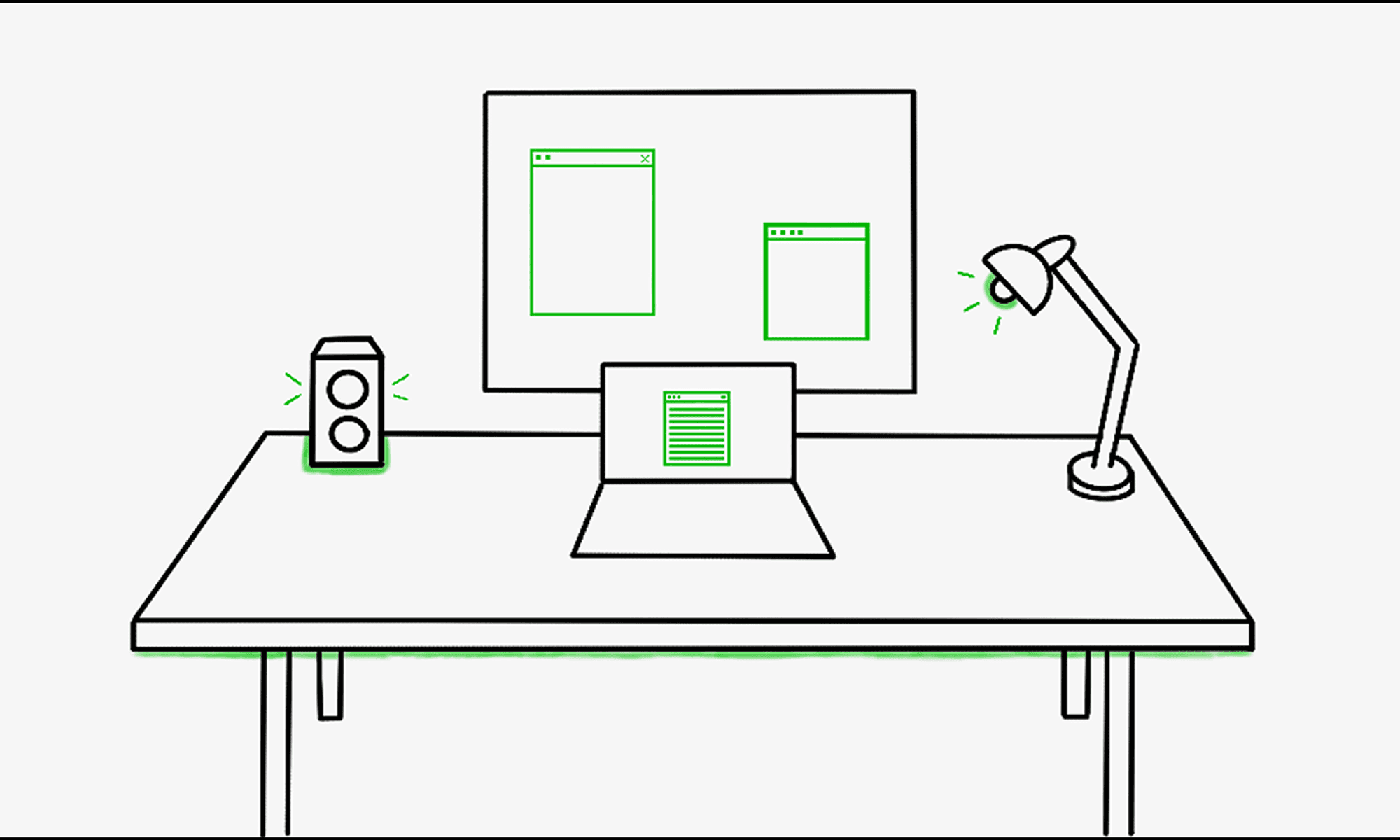
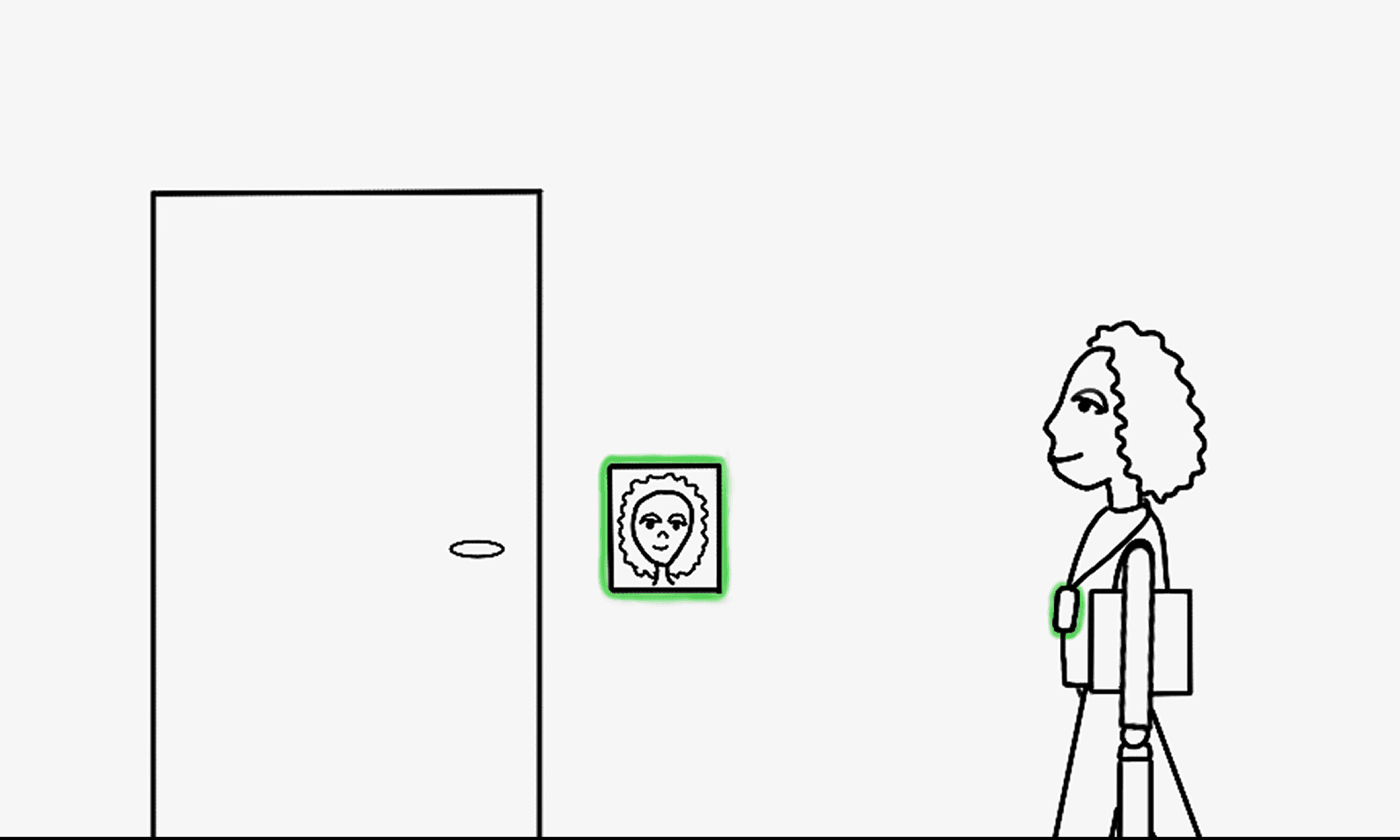
Sarah walks into the office - the door recognizes her presence via her SmartBadge and unlocks automatically. Her desk and devices boot up and adjust to her preferences including display, lighting, sound, and frequently used apps.
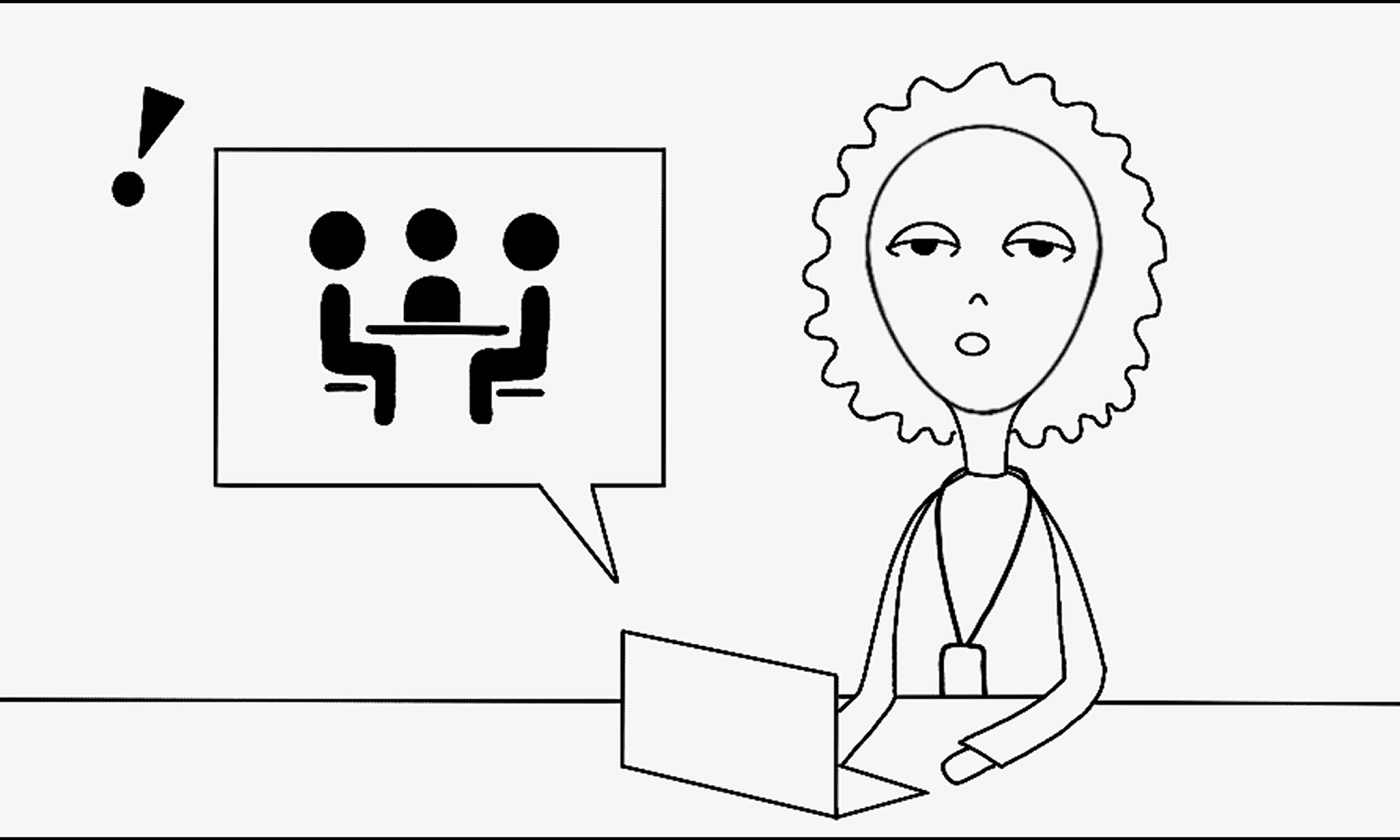
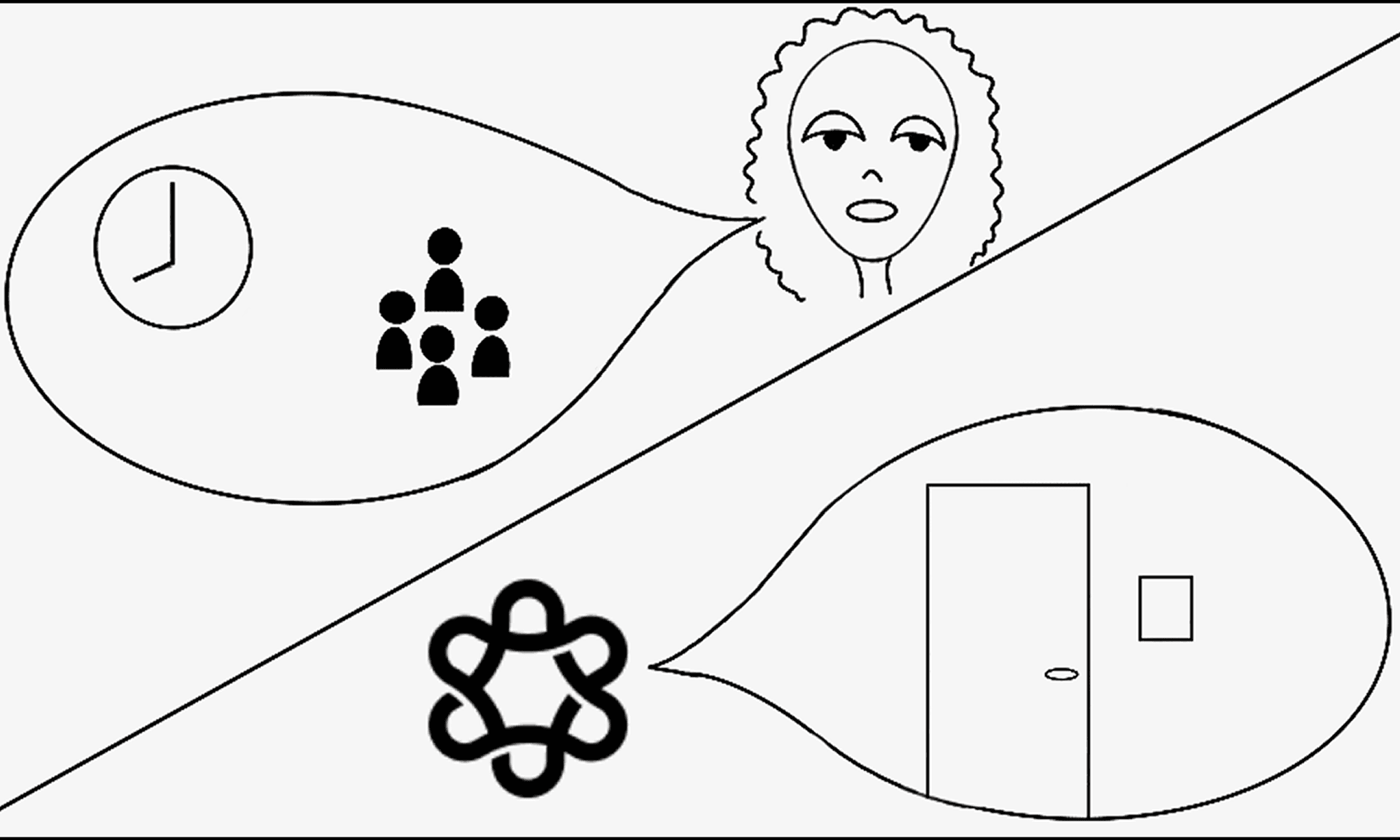
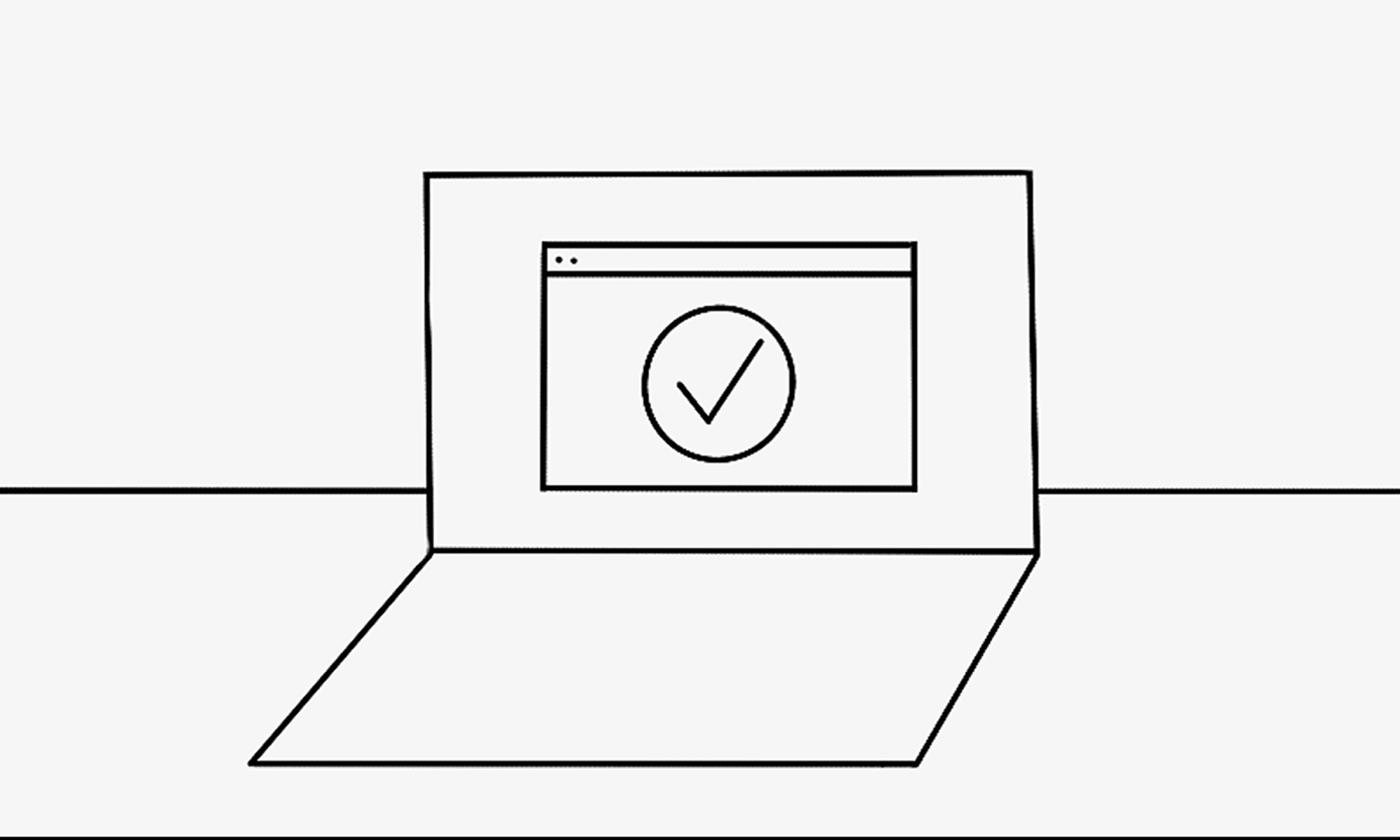
Her AI Assistant schedules and prepares meetings for her based on meeting requirements and personal preferences. She can access all relevant information in the Ecosystem Hub.
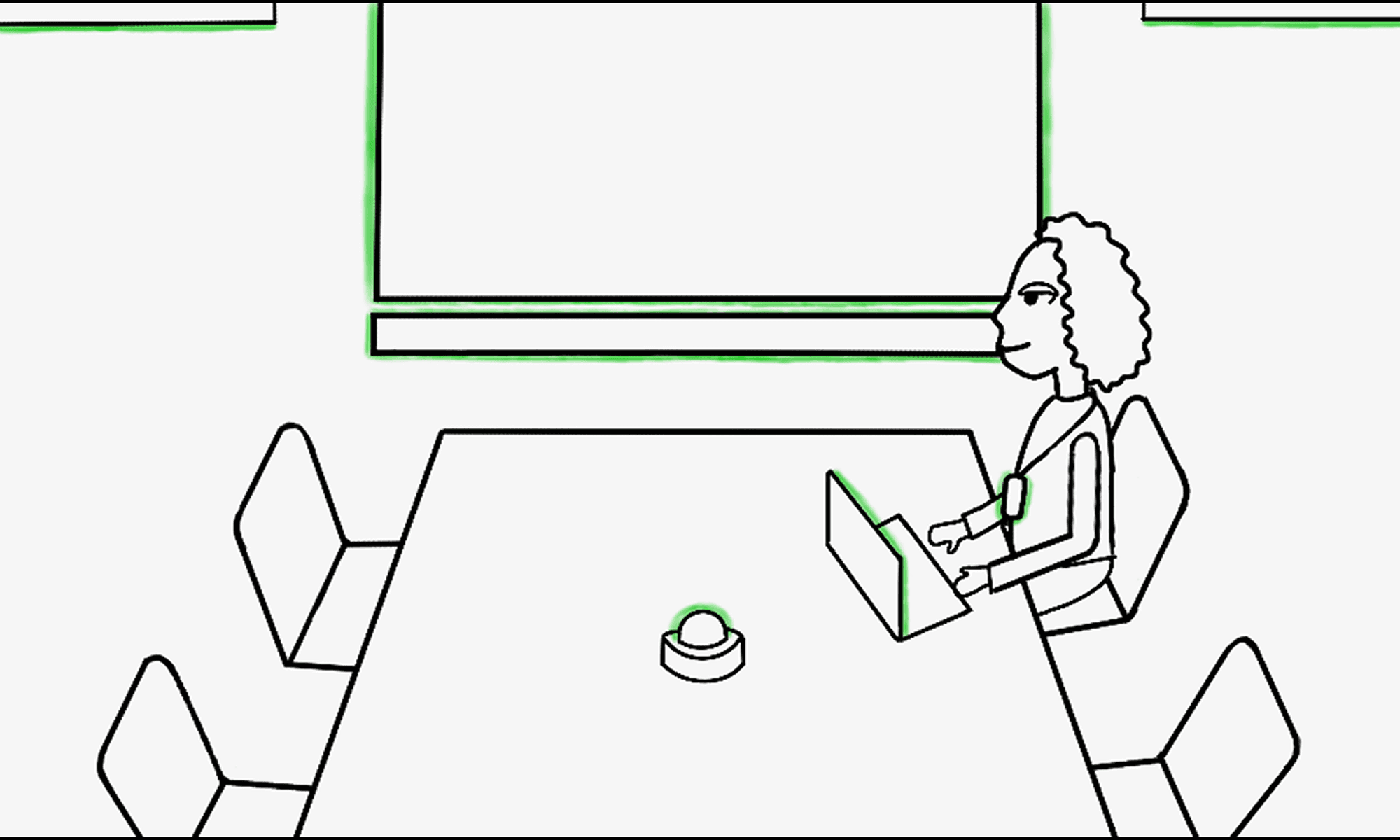
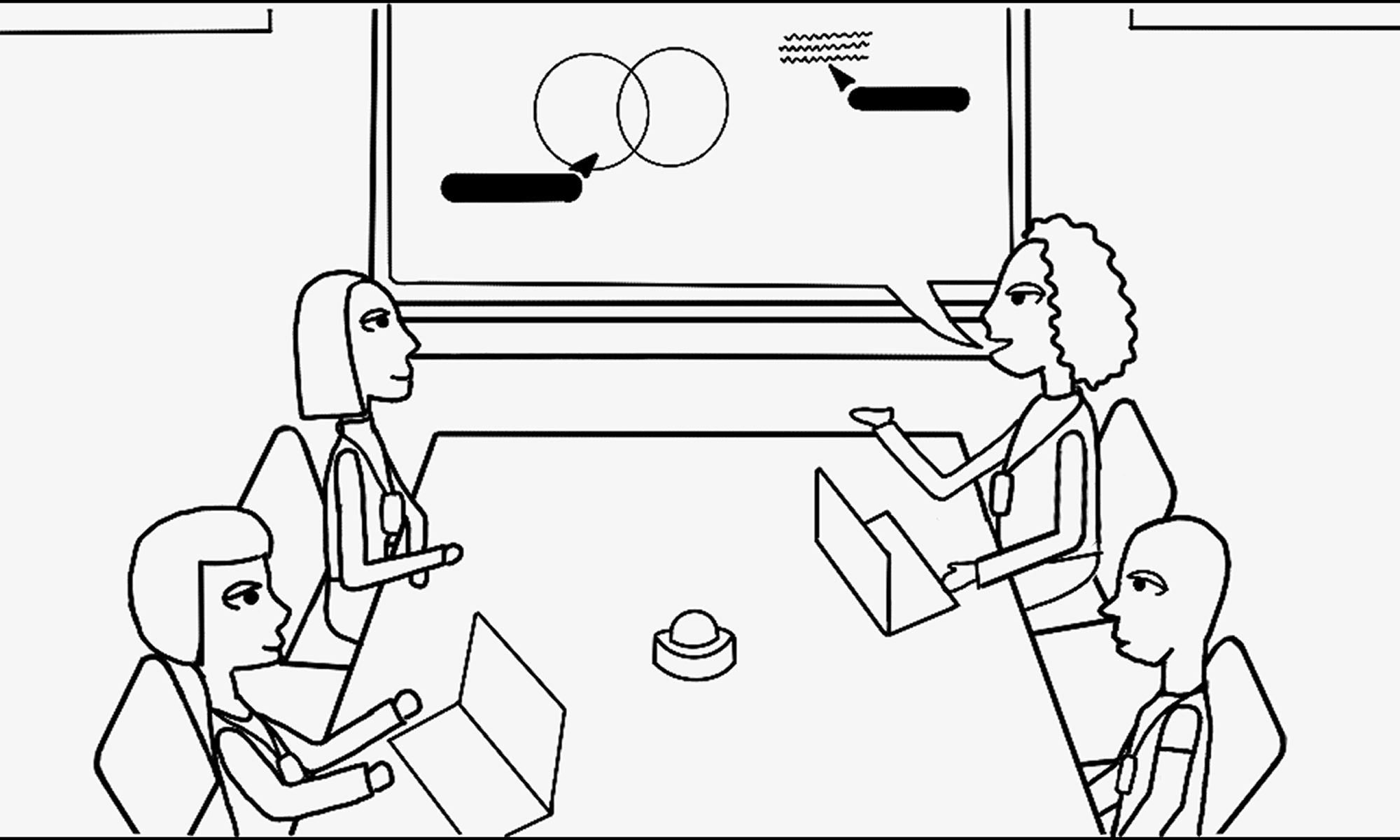
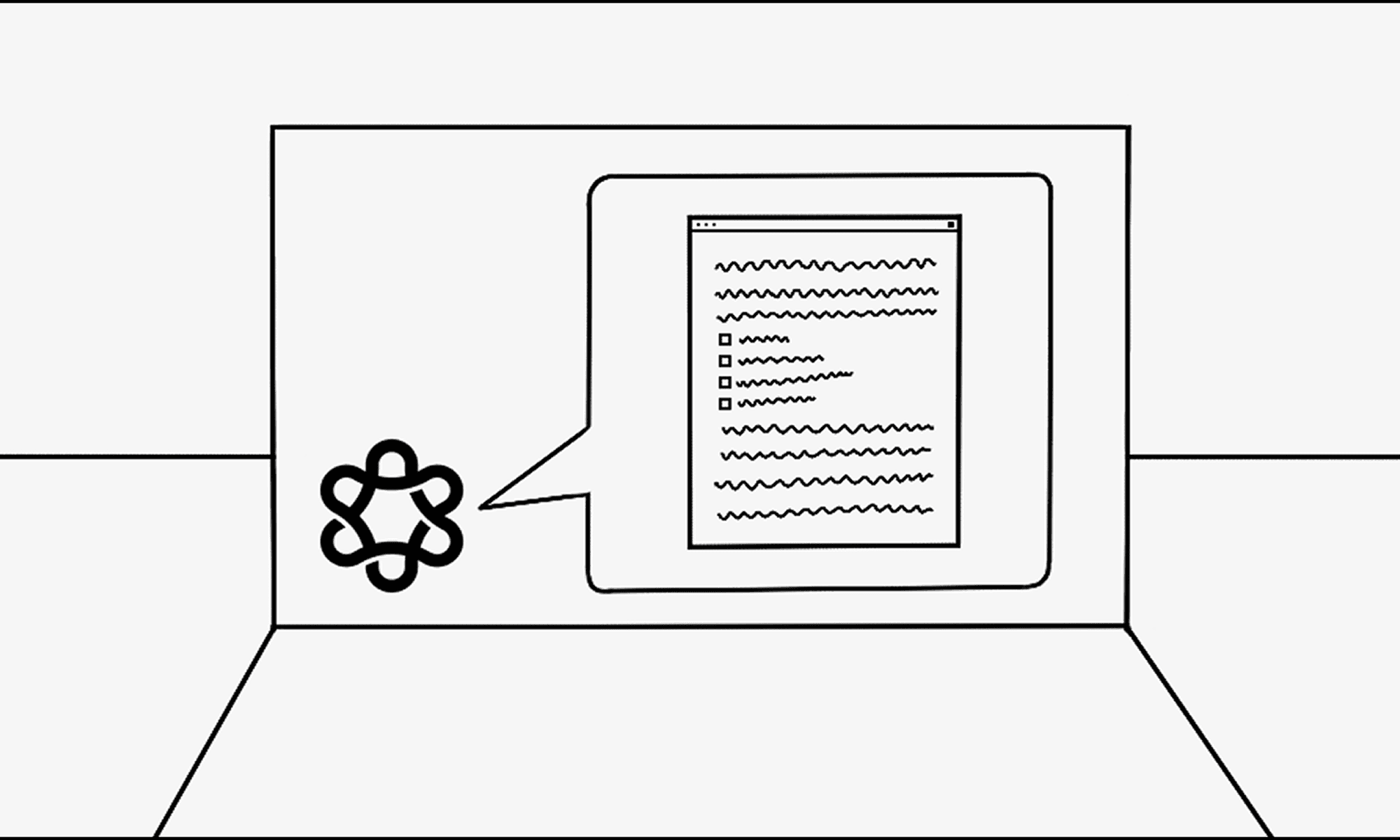
The Room Concierge confirms her reservation and sets up the space accordingly. When the meeting ends, the room powers down and sends an AI-generated summary to all participants.
With Mosaic, Sarah's day becomes more proactive, personalized, and connected - reducing the small moments of friction that interrupt hybrid work.
Impact
Mosaic shows how Lenovo could extend its workplace portfolio beyond individual devices into a flexible smart office ecosystem. The concept combines Cake UI, native components, connected device behavior, and scalable workplace workflows.
User Impact
Mosaic helps employees move through office tasks with less manual setup by connecting room access, device preferences, meeting tools, collaboration, and follow-up.
Product Impact
The concept creates a flexible system that can grow across different devices, rooms, and workplace workflows.
Business Impact
Mosaic aligns with Lenovo’s enterprise ecosystem by connecting software, firmware-level device behavior, and the hardware many companies already use.
The value of Mosaic is not only in creating smarter devices, but in connecting the spaces and workflows between them.
Personal Takeaways
This project challenged me to think beyond individual screens and design for a connected ecosystem of spaces, devices, and interactions. A few key takeaways stayed with me throughout the process:
The importance of research - data can validate your assumptions, but it can also surprise you. This project reminded me to rely on research to ground and justify design decisions.
Speaking UX in terms of value - I learned how to frame design impact in ways that connect to technical feasibility and business goals, not just user experience alone.
Growing as a systems thinker - working on Mosaic strengthened my skills in cross-disciplinary collaboration, systems thinking, and AI-assisted design.
Acknowledgments
A huge thank you to my mentors Hallie, Diana, Carson, Angela, and Ada for their guidance and support throughout this project, and to my teammates Lizzy, Owen, and Steven for their creativity and collaboration.
Special appreciation to the NextUX, UXD, and IPDO teams for inspiring us to think bigger.